
jaeger简介
1.解决的问题
- 分布式事务的监控
- 性能优化
- 根本原因的分析
- 服务依赖的分析
- 上下文数据的传播
2.架构

3.Trace & Span

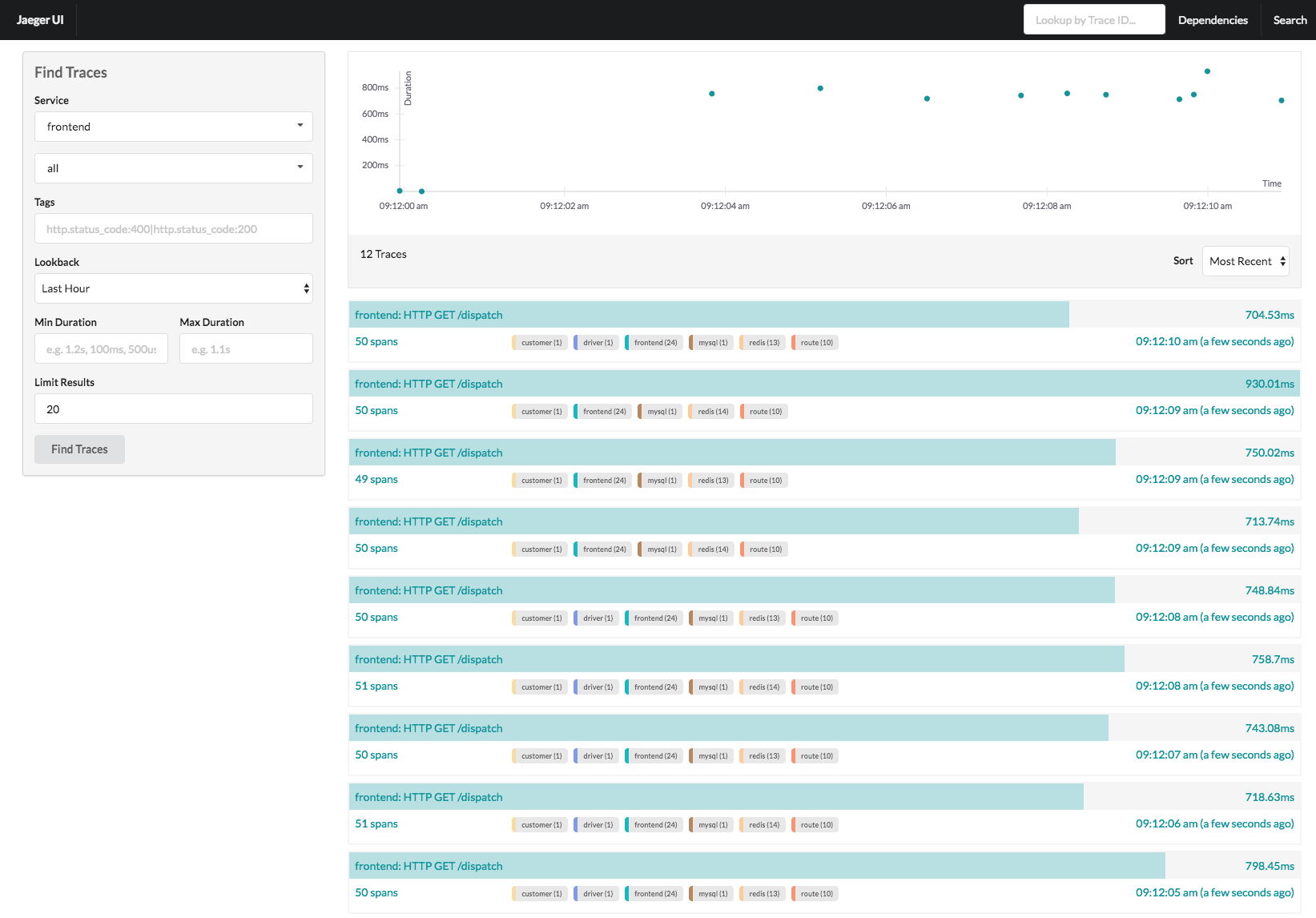
4.Traces View
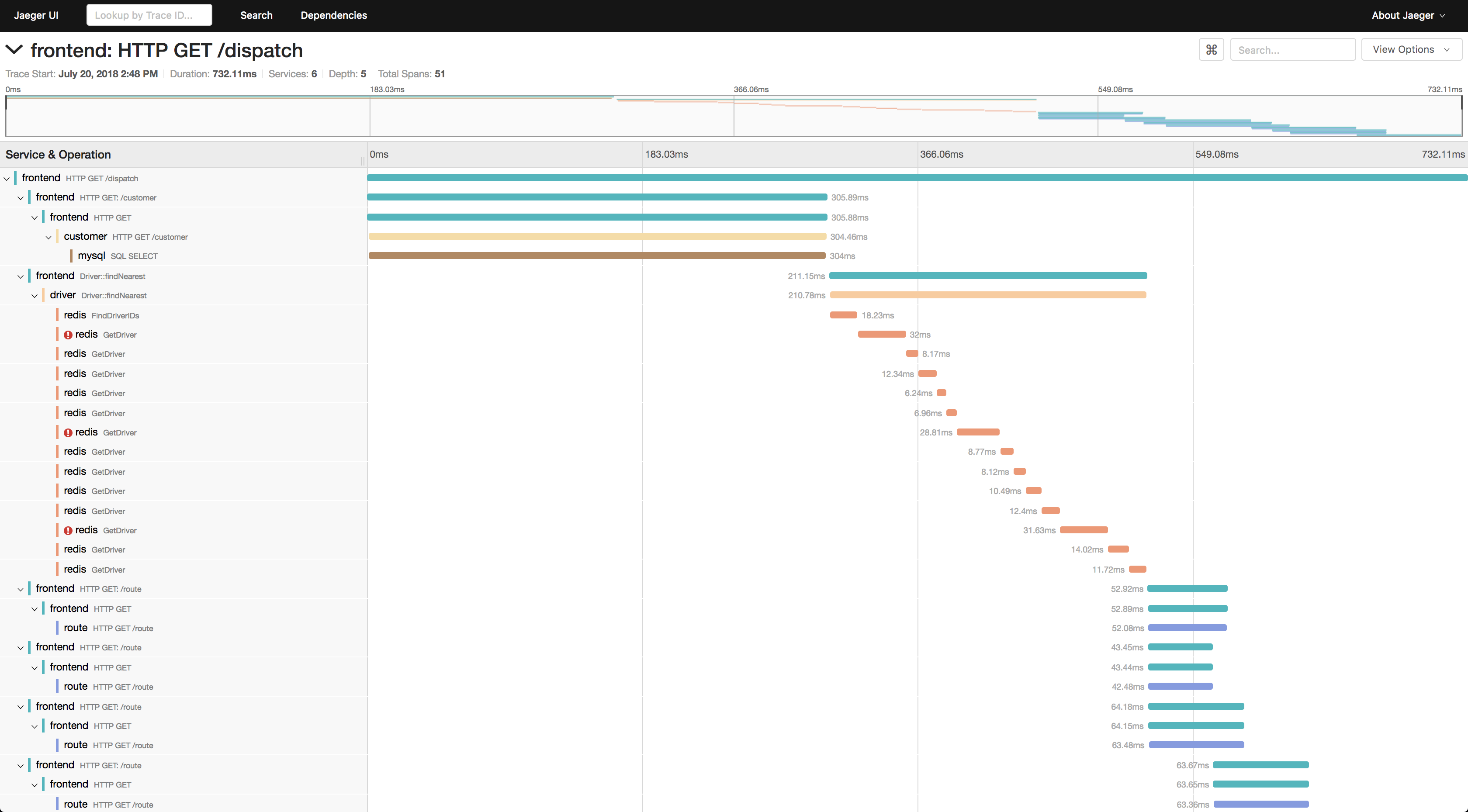
5.Trace Detail View
6.jaeger安装和运行
1.官网下载二进制包
https://www.jaegertracing.io/download/
2.指定用ES存储
我们使用es来存储数据,需要配置环境变量
export SPAN_STORAGE_TYPE=elasticsearch
export ES_SERVER_URLS=http://127.0.0.1:9200
在windows下,手工配置环境变量
3.命令行指定es存储分片
jaeger-all-in-one --es.num-replicas 0 --es.num-shards 14.打开浏览器
http://localhost:16686/5.打开es索引列表,查看新增的jaeger索引
http://localhost:9200/_cat/indices